←Back


Join the Mercedes-Benz Beta Program through the Mercedes-Benz app.
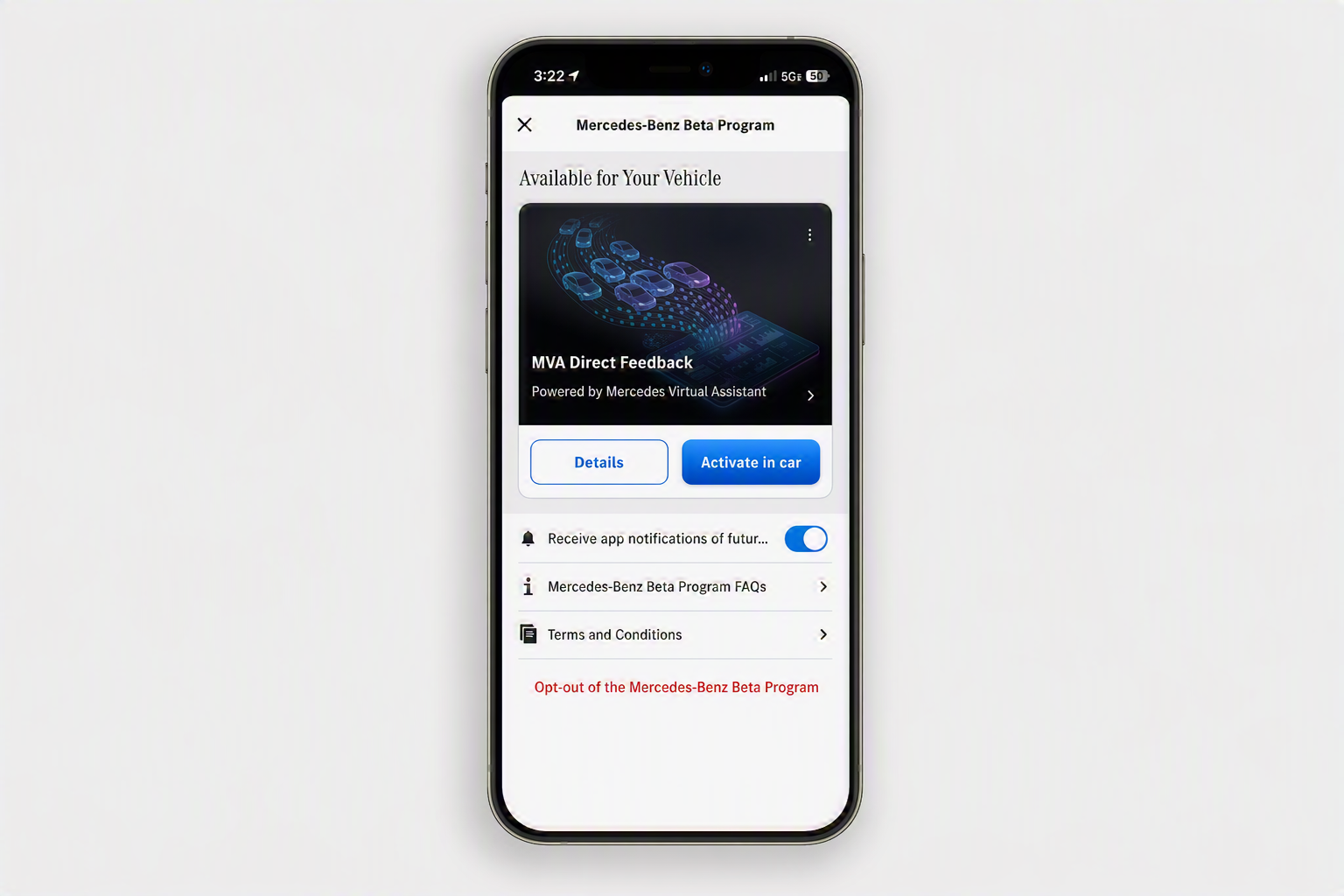
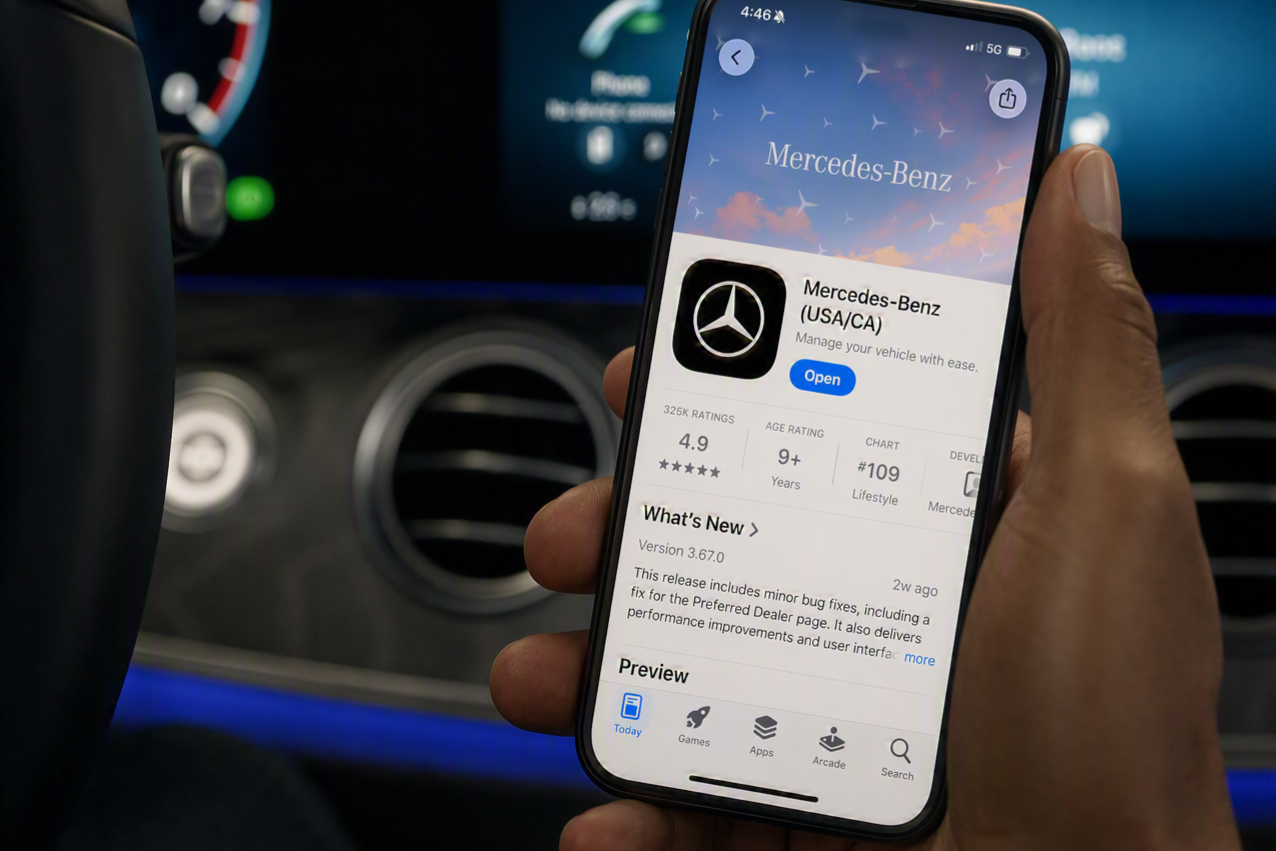
The Mercedes-Benz app lets you create your personal account and directly pair your vehicle with it. Simply download the Mercedes-Benz app (USA), enter your Vehicle Identification Number in the app, enter the code in the MBUX Multimedia System if available and pair your vehicle. With just a touch of one button you may activate the Beta of your choice.


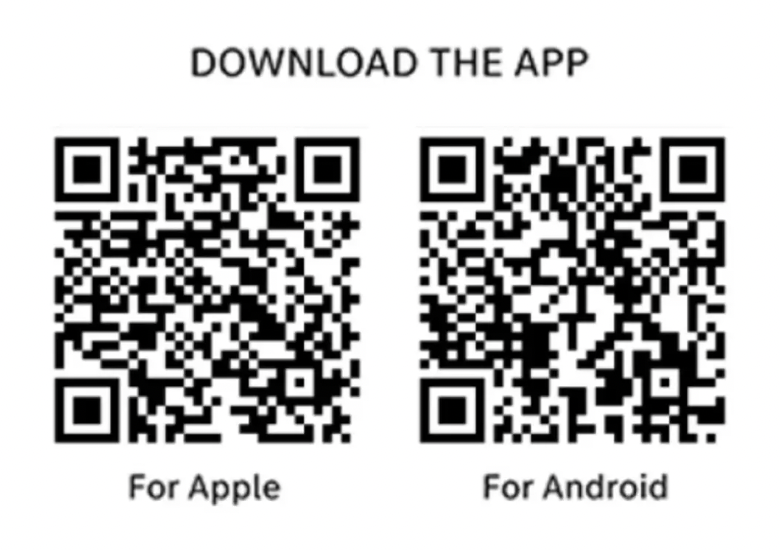
Scan the QR code to download the Mercedes-Benz app on your mobile device.
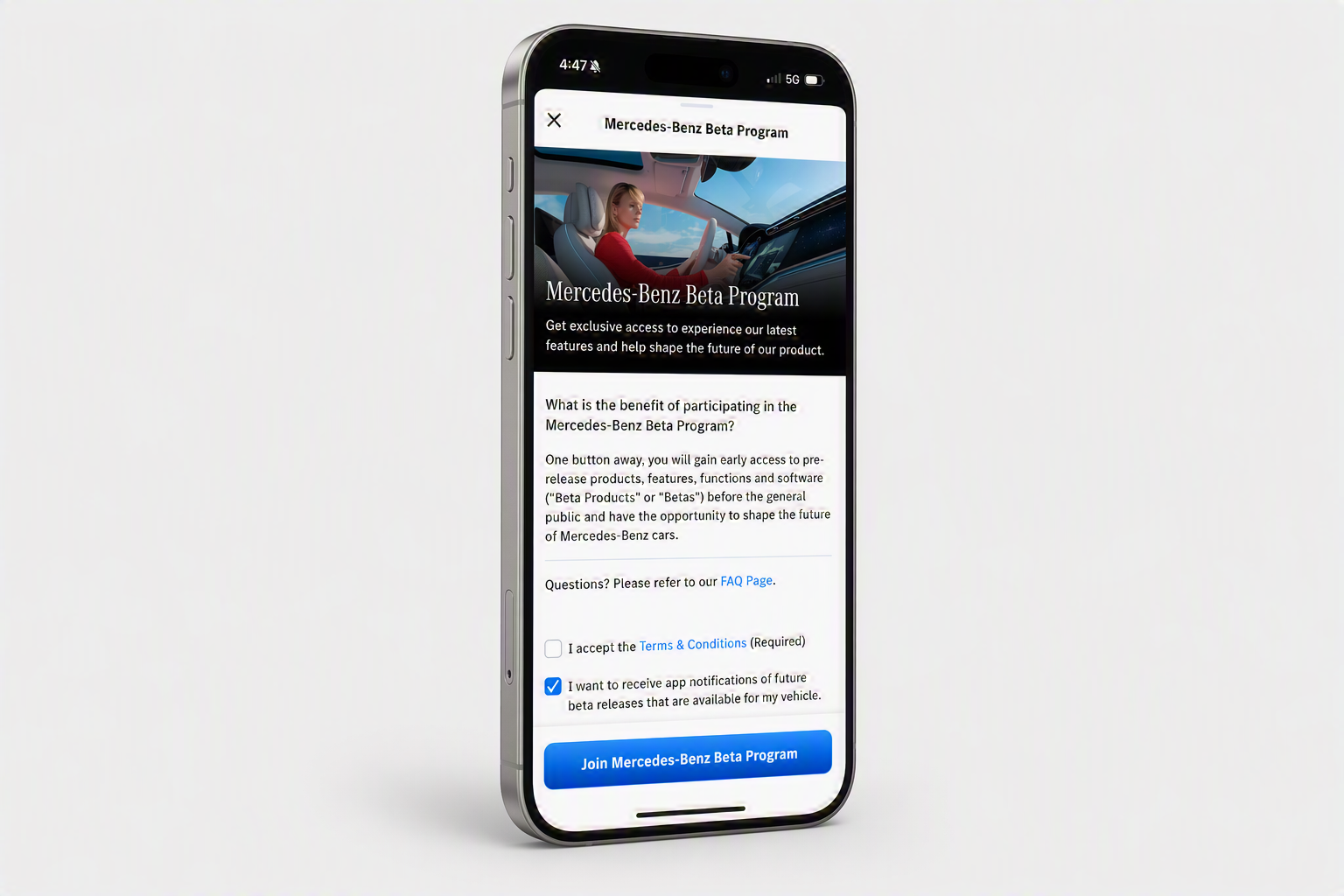
From the home screen, tap the grid icon (second tab in the bottom navigation bar), then select Beta Program.
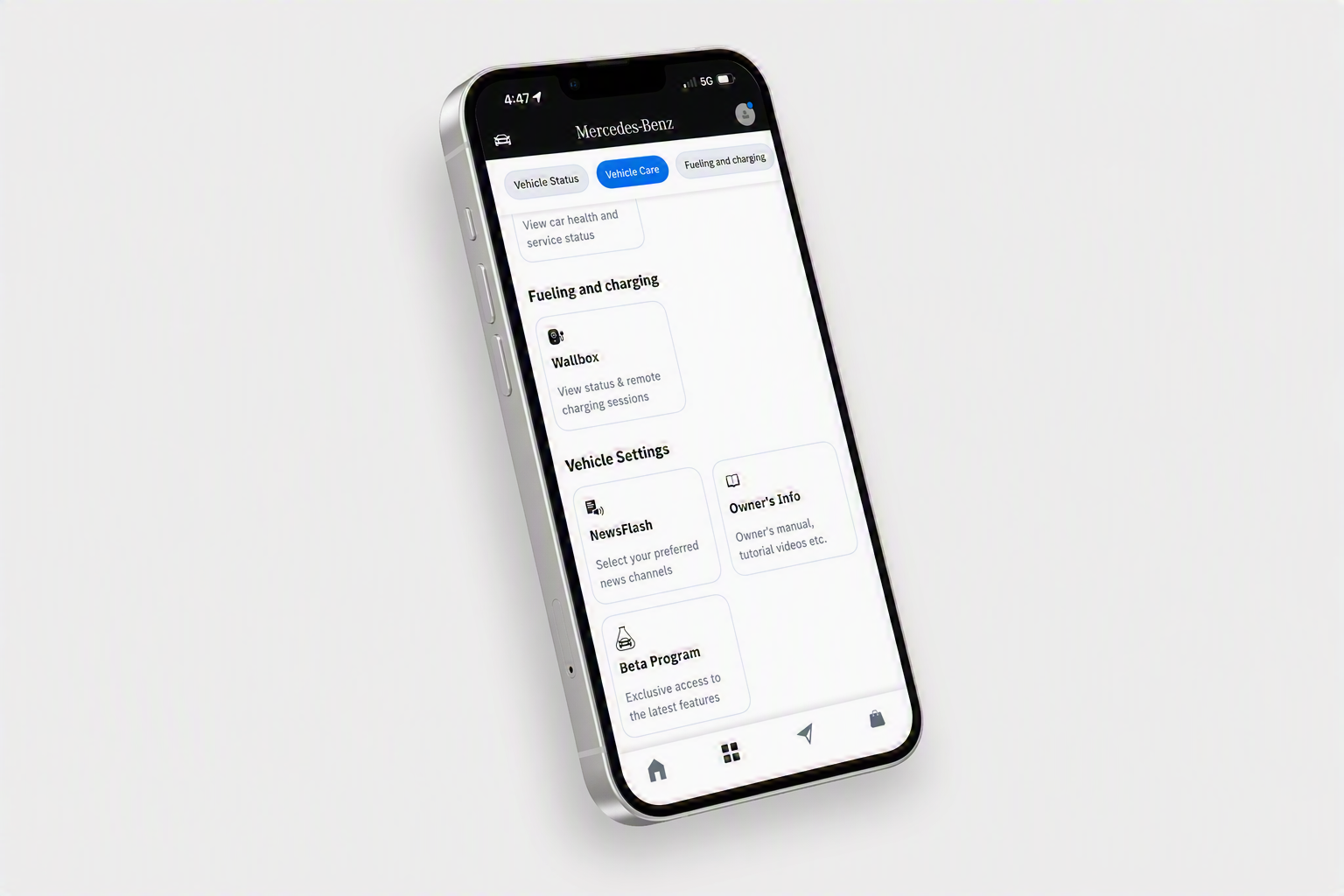
Tap Join Mercedes-Benz Beta Program to enroll.
On the Beta Program page, tap Activate in car for the Beta you want to try.